WhatsApp Chatbot Software: What to Look For Before You Build

Author
Hamza Parvez | Founder
Published on
November 22, 2026
8 min read
WhatsApp chatbot software is the product you use to design, run, and supervise a bot on an official WhatsApp Business number. The market sells visual builders, keyword menus, and “AI agents” as if they were interchangeable. They are not. A menu can take a payment status in three taps and still collapse when the customer types a sentence. An AI bot can sound fluent and still invent a warranty term. The software you want is the kind that can do both — structured paths where the path is known, grounded generation where it is not — and can stop talking when a person should take over.
If you want a full setup sequence, read WhatsApp chatbot automation: the 2026 setup guide. This article is the purchasing and design brief: what to look for before you build.
Start with one job, not a personality
A chatbot that is asked to sell, support, book, and negotiate exceptions on day one will do all of them badly. Pick a single outcome with an owner:
- Answer product or service questions from an approved source.
- Qualify a new enquiry with a short conversational quiz.
- Offer bookable slots and write them to a calendar.
- Return an order or ticket status after a light identity check.
- Collect context and route to the right queue.
Write the path from the customer’s first message to the record in your system. “Be helpful on WhatsApp” is not a specification. “If the SKU is in the catalog, quote the live price and availability; if it is not, say so and offer a human” is a specification.
The capabilities that actually matter
Official channel support. The bot must run on the WhatsApp Business API, with templates for business-initiated follow-ups and a visible quality rating. Unofficial chatbot plugins that attach to WhatsApp Web are a different product with a different risk profile. See official vs unofficial automation.
Knowledge you can own. Prompts are not a knowledge base. You need documents, catalog feeds, or help articles with an owner and a review date. When the source is silent or conflicting, the bot should clarify, admit the gap, or escalate — not improvise. We wrote about this operating habit in on-brand knowledge base training.
Structured messages. Buttons, lists, and, where they fit, WhatsApp Flows reduce typo-driven dead ends. A bot that only emits paragraphs will leak conversions on mobile.
Handoff that pauses the bot. Escalation is not a keyword that also keeps generating. The software should silence the assistant, assign an agent, and pass the transcript, intent, and any score. If your team has to shout “STOP” in a side channel, the product is unfinished.
Supervision. Transcript review, missed-intent queues, and a way to correct an answer at the source. Chatbot software without operations tooling is a demo.
WhatsApp Automater is chatbot software in that fuller sense: catalog-grounded AI, flow and quiz builders, a shared inbox, analytics, and official Cloud API or Twilio connectivity. The free plan is enough to test a real first journey (100 messages a month, one channel, basic AI, shared inbox) before you move to Starter, Growth, or Pro.
Builder types, and when each fails
Keyword and decision-tree builders are predictable and easy to test. They fail when language varies or when the catalog is large. Use them for menus, office hours, and “talk to a person.”
Retrieval-grounded AI handles long-tail questions if — and only if — the retrieval set is current. It fails when you let it browse its training data instead of your files, or when you skip evaluation.
Hybrid software is what most operators should buy: trees for known tasks, AI for the rest, and hard rules for refunds, medical, legal, or anything you are not willing to get wrong in public.
Conversation design still matters in all three cases. If the average bubble reads like a legal disclaimer, you will leak conversions. Keep turns short, one question at a time, and always offer a human path. Our conversation design notes are a useful companion to this checklist.
Testing before you put a bot in front of customers
Write the nasty cases first: out-of-stock SKUs, a policy that changed yesterday, a user who switches language mid-thread, a request for a human on the first message, a template that should fire after silence, a second agent who opens the same chat. If the software cannot represent those cases in a test mode, you will discover them in production.
Then decide what “good” means. Containment without accuracy is not success. Accuracy without an exit to a person is not success either. Track both, plus the time to first useful reply.
A one-week build you can actually finish
Day one: pick the single job and write ten example chats, including the rude and incomplete ones. Day two: load the approved sources and mark anything the bot must not discuss. Day three: build the menu or quiz and the handoff rule. Day four: test on a staff number. Day five: release to a small cohort and sit with the inbox. If you cannot complete that week because the software fights you, it is the wrong WhatsApp chatbot software — not a sign that you need a two-month IT programme.
Put these playbooks into production
Start with WhatsApp Automater's free tier, connect WhatsApp, and iterate on real customer conversations — with analytics built in. Get started free or see plans on whatsappautomater.com.
FAQ’s
Related Posts
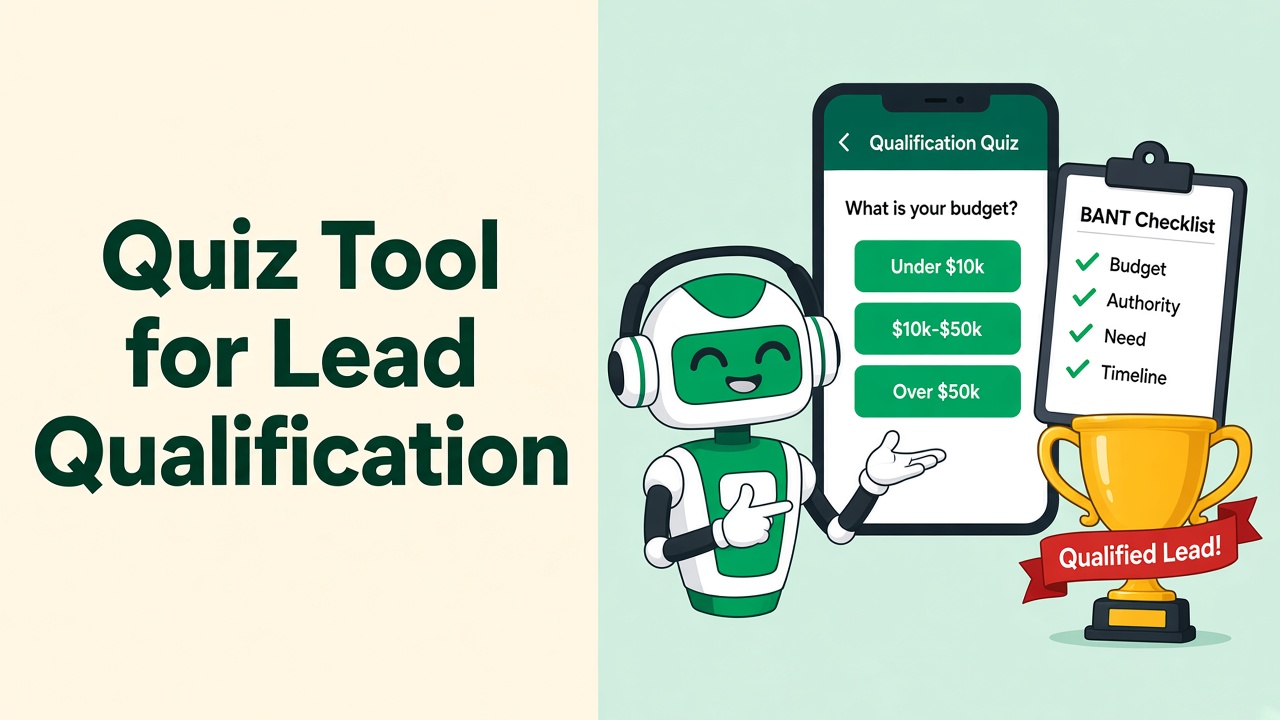
Quiz Tool for Lead Qualification on WhatsApp: Automate BANT Without Forms
The best quiz tool for lead qualification in 2026 is the one your lead will actually finish — which means it has to live in WhatsApp.
Free Typeform Alternative for Scoring Leads on WhatsApp (2026)
Typeform is great until the lead never comes back from the form. Score buyers inside WhatsApp instead — free to start with WhatsApp Automater.
WhatsApp Automater vs WappBiz: Affordable WhatsApp Automation Compared
WappBiz and WhatsApp Automater both target SMBs. The difference is AI grounded in your catalog versus no-code broadcasts — and a real free tier.
WhatsApp Automater vs AiSensy: Best WhatsApp Tool for Ecommerce in 2026
AiSensy is built for ecommerce broadcasts. WhatsApp Automater is built for catalog-accurate conversations that recover carts and answer product questions.
WhatsApp Automater vs Twilio: Native Automation vs a Developer API
Twilio gives you pipes. WhatsApp Automater gives you the bot, inbox, catalog AI, and analytics on those pipes — including Twilio itself.
WhatsApp Automater vs Wati: Which WhatsApp API Platform Should You Choose?
Wati is a strong shared inbox. WhatsApp Automater is an AI-first WhatsApp automation layer with a free plan. Here is how to choose — and why most SMBs should start with Automater.